 Vale Tech
Case study
Win the Day
Five tasks. One day. No backlog.
A daily task list capped at five. Finish all five and you win the day. Finish four and you lose it. We designed it, built it, shipped it to both stores and the web, and we still run it.


The record
- Runs on
- iOS, Android and the web, with home screen widgets
- Started
- January 11, 2026
- Built with
- Flutter, Firebase, RevenueCat and Stripe
- AI assistants
- An MCP server, so an AI assistant can run your list
The problem
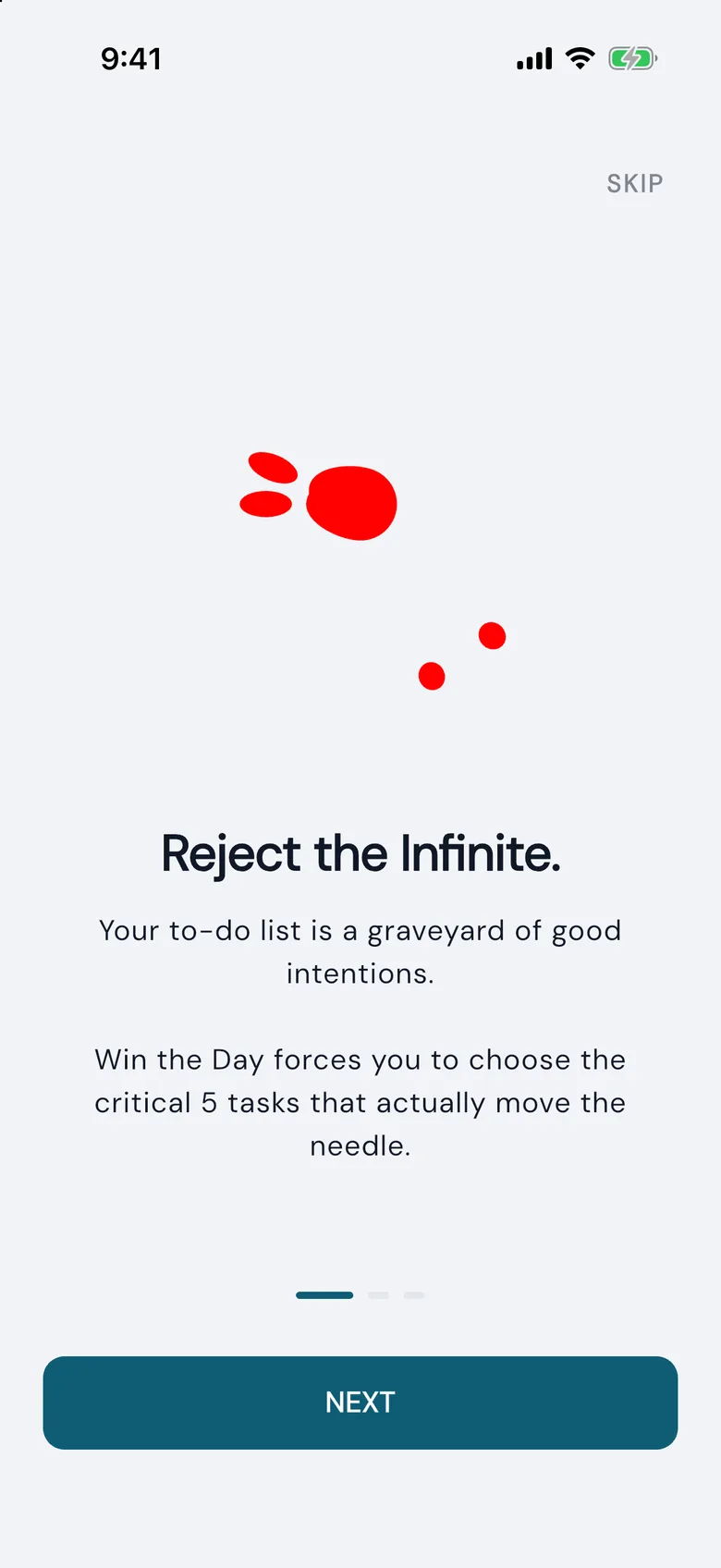
Ambitious people do not fail for lack of tasks. They fail from having too many.
A list that grows past a certain size stops saying what matters today. It gets rewritten instead of done, and the list itself becomes the stress.
So the limit has to come from the tool. The app holds five tasks and no more. Wanting to add a sixth is the moment it asks you to choose.
How a day works
1Pick five
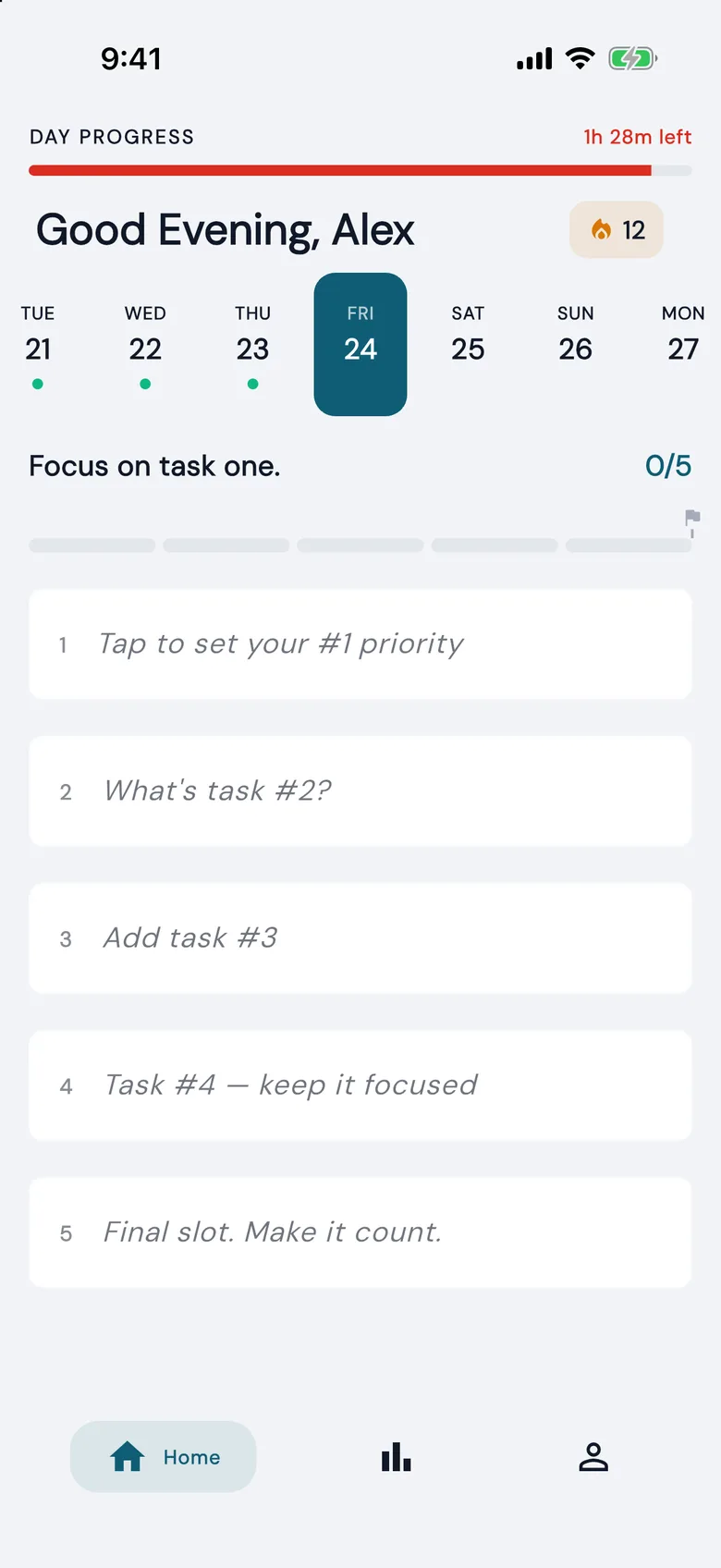
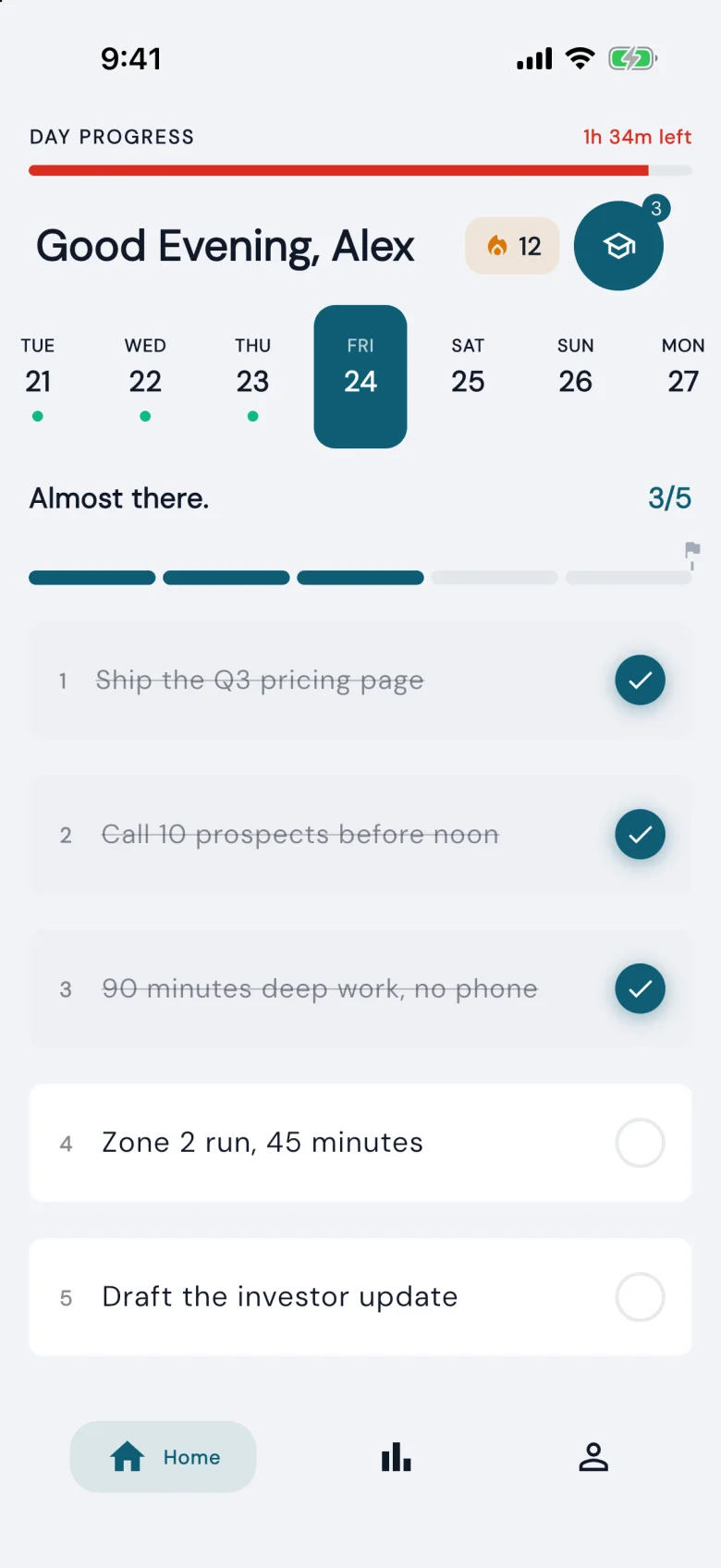
The day starts with five empty slots. You fill them with the five tasks that would make today count.
2Work through them
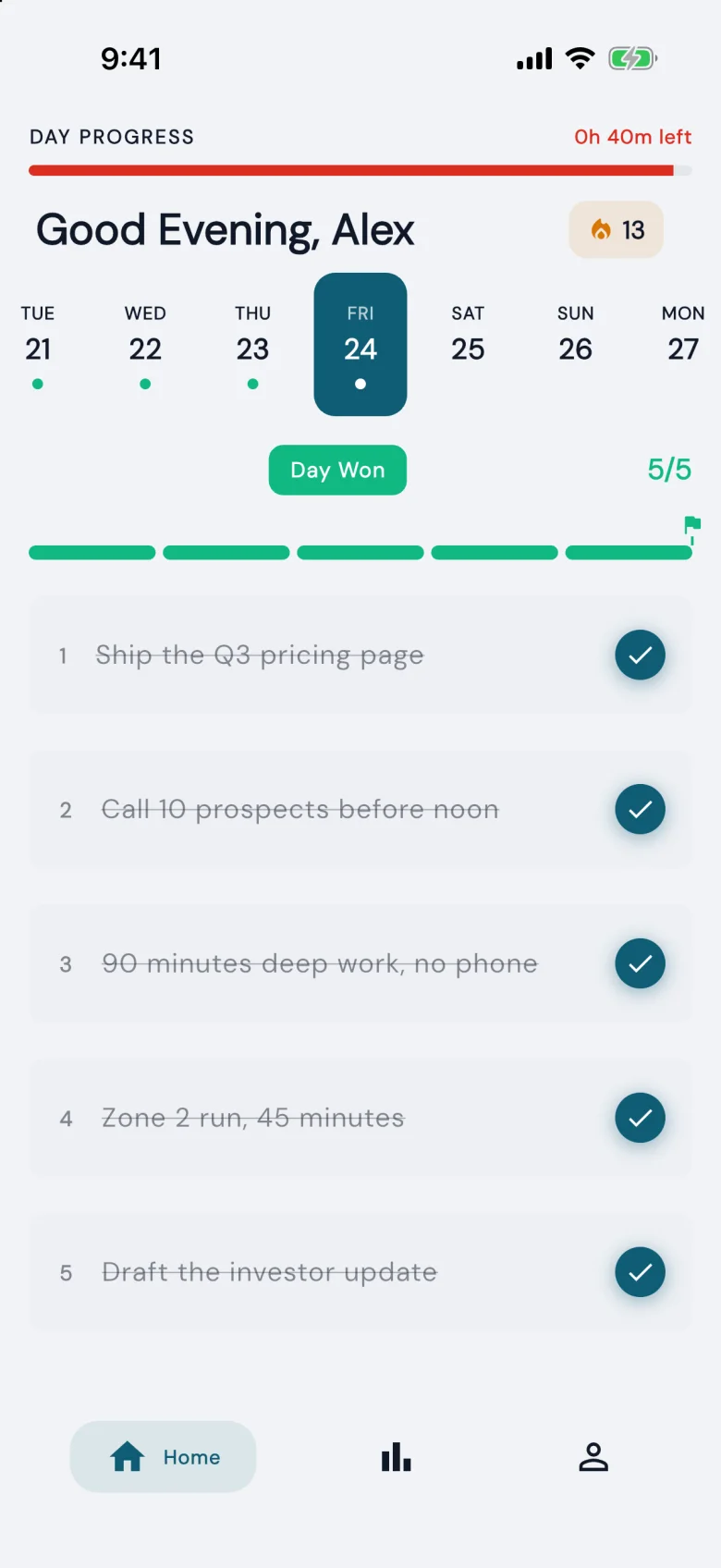
Each task you finish is checked off. The bar at the top shows how close the day is.
3Win the day
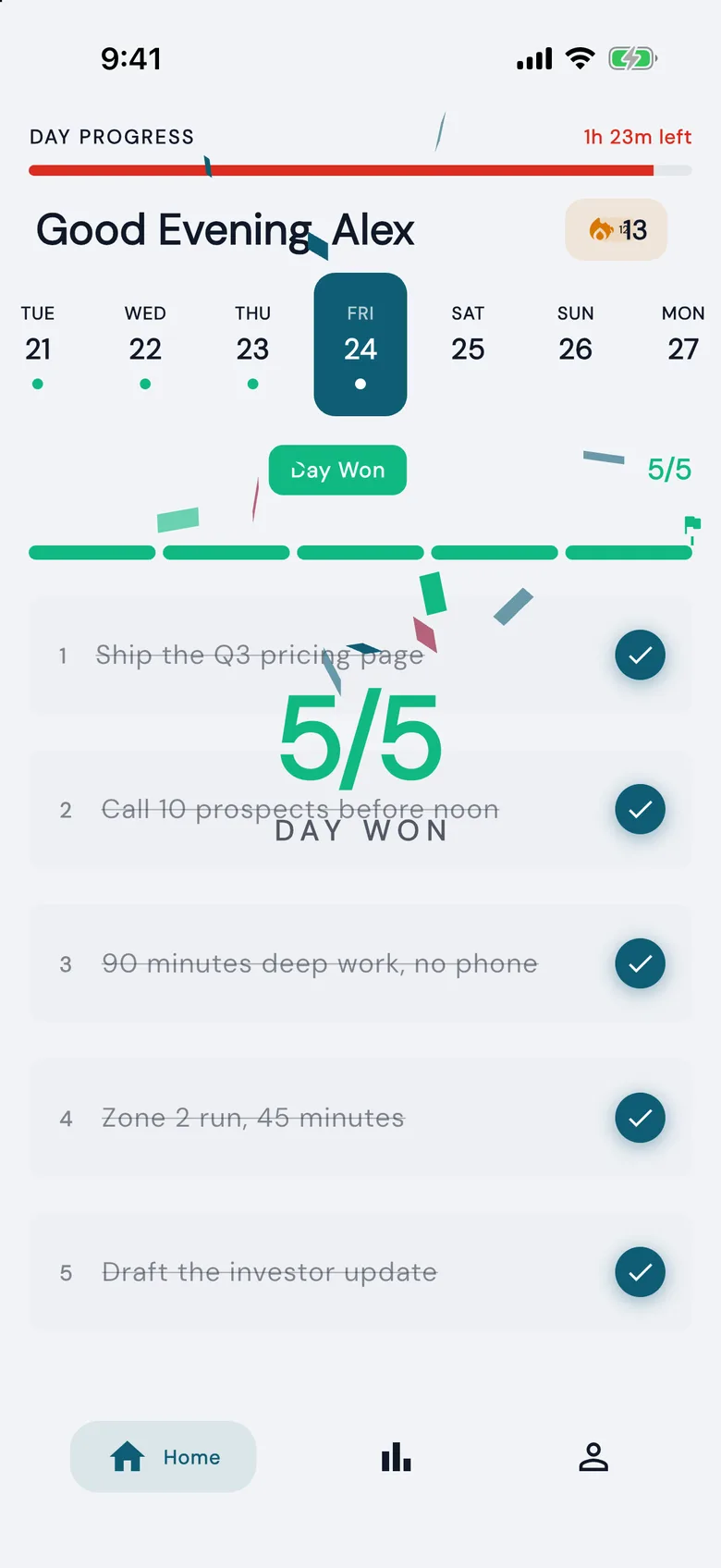
The fifth check wins the day. Four is a loss. There is no partial credit, so the standard cannot slip.
4See the pattern
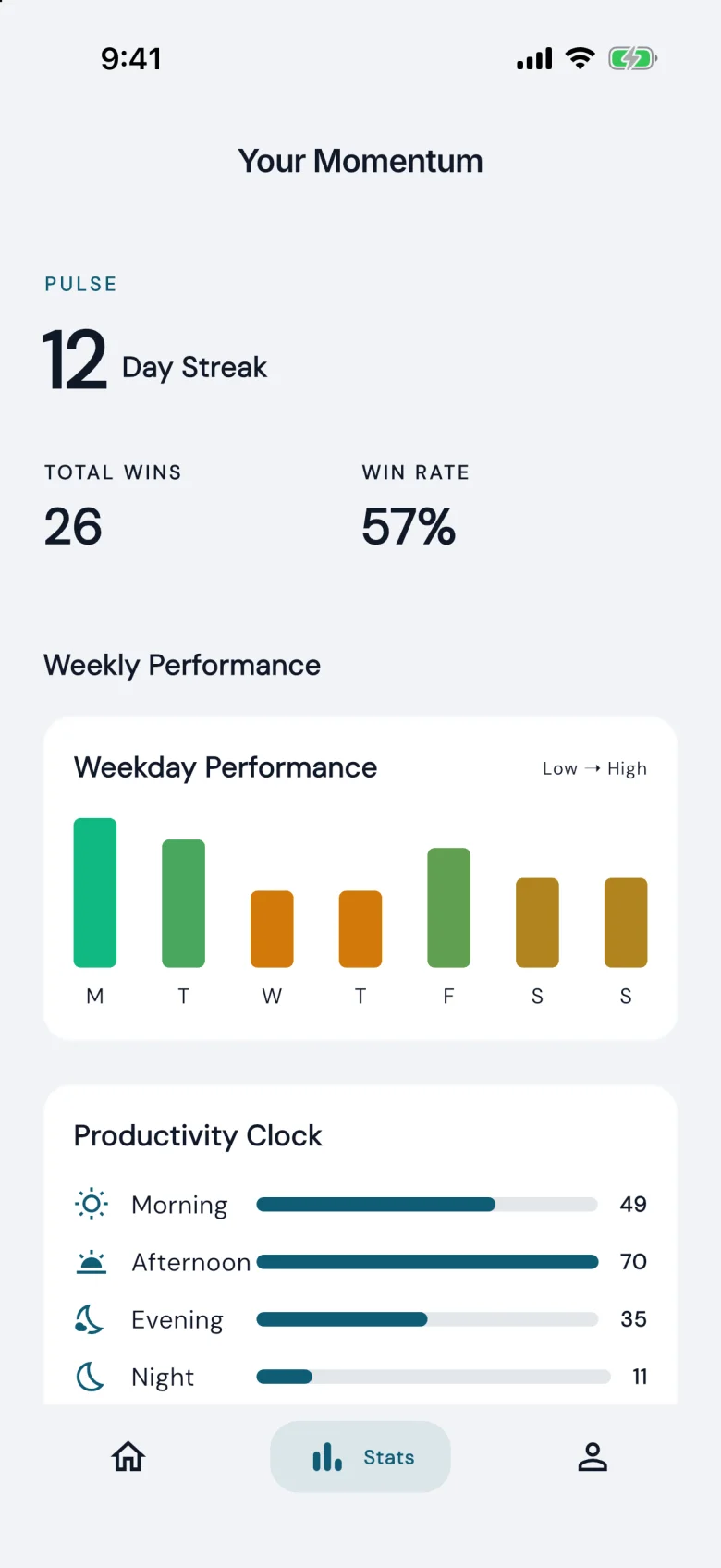
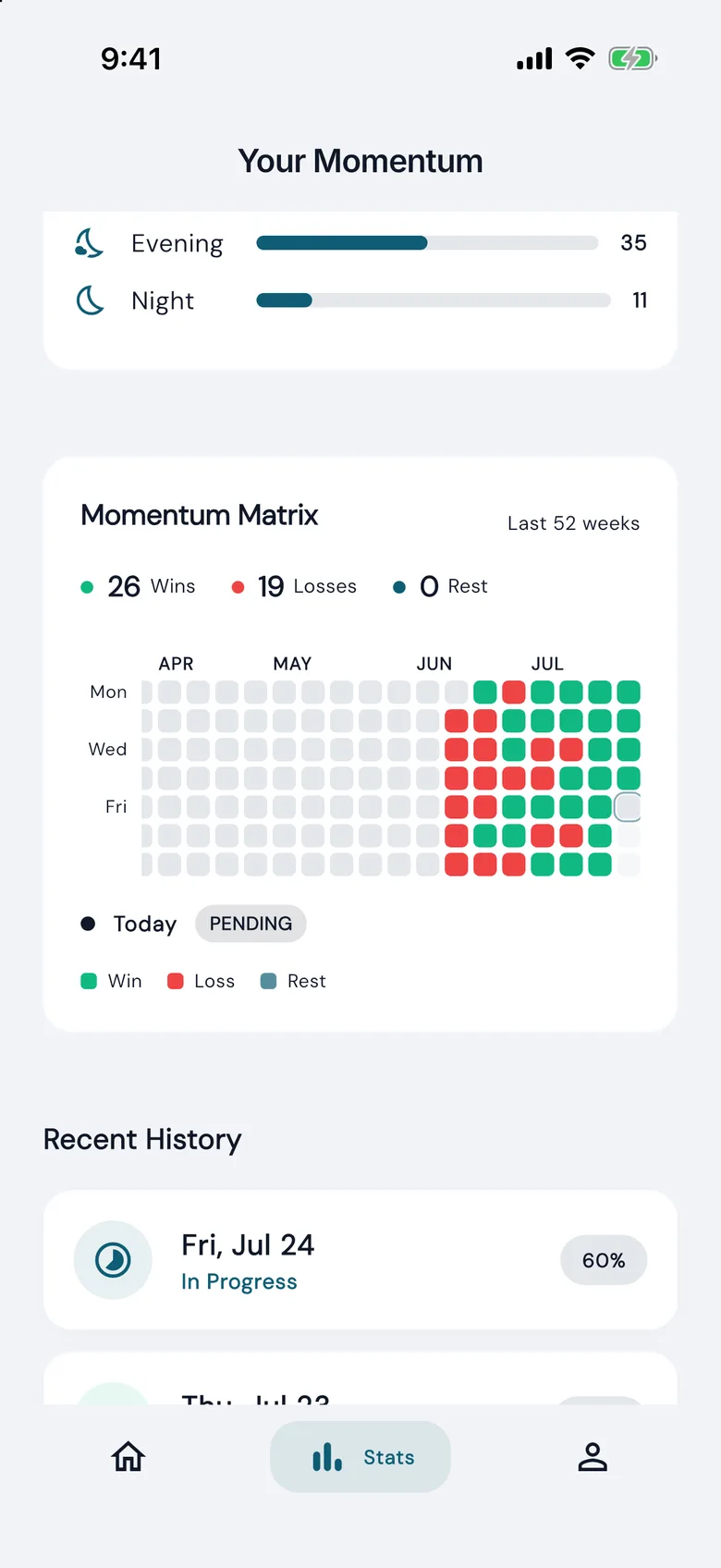
The streak counts the days won in a row. The momentum matrix shows a year of days as won, lost or rest.
How it is built
- One codebase, three platforms
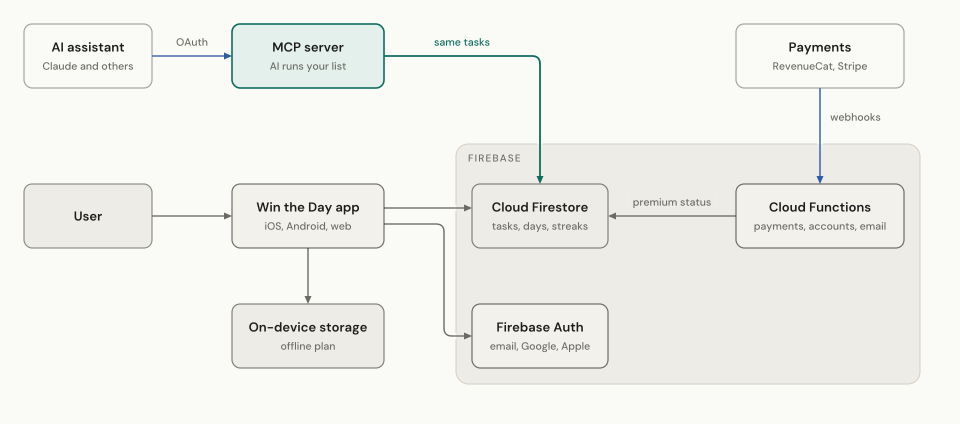
- The app is Flutter. The same code ships to iOS, Android and the web.
- Works offline
- Tasks live on the device first, in a local database, and sync to Cloud Firestore when there is a connection.
- Two sets of functions
- Payments and accounts run in one set of Cloud Functions, and the MCP server in another. The MCP code never slows a payment.
- Payments from three places
- RevenueCat handles the App Store and Google Play. Stripe handles the web. All three land on the same premium flag.
An AI assistant can run your list
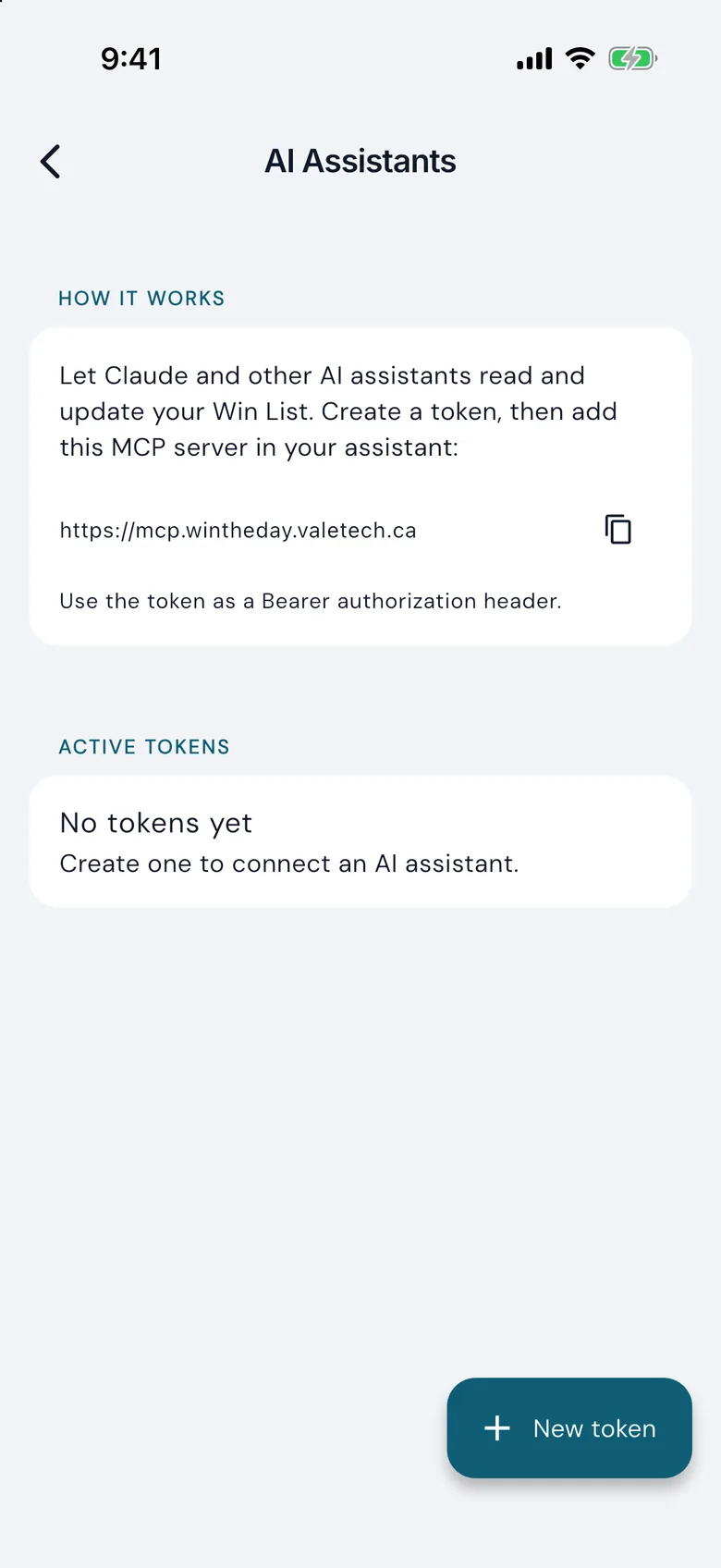
Win the Day has its own MCP server, so Claude and other assistants can read and change your list.
MCP (Model Context Protocol) is the standard way for an AI assistant to use an app. You connect once. Then you can ask the assistant to plan your five, move a task or read your week.
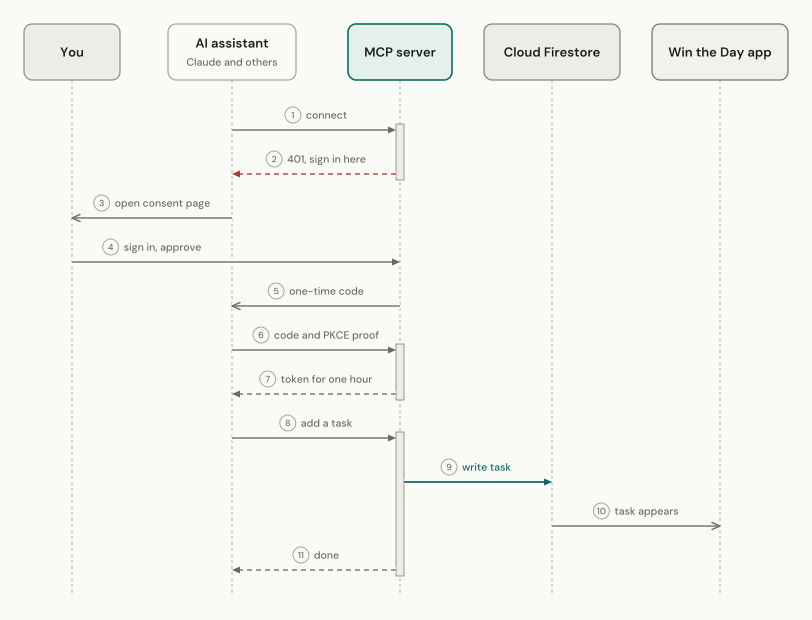
We deployed the server on July 16, 2026. It has 17 tools, one for each thing the app can do. It is a second client of the same database, so it follows the same rules as the app. A contract test suite checks that the two never drift apart.
- Reviewed
- We reviewed the server's security on July 18, 2026. We fixed 8 of 11 findings that day. None of the other 3 exposes user data, and each is a documented, accepted risk.
- No stored secrets
- The server keeps only a hash of each token. Revoking one in the app takes effect at once.
- Two ways in
- A token made in the app for developer tools, or a sign-in flow for Claude on the web, desktop and phone.
On the home screen
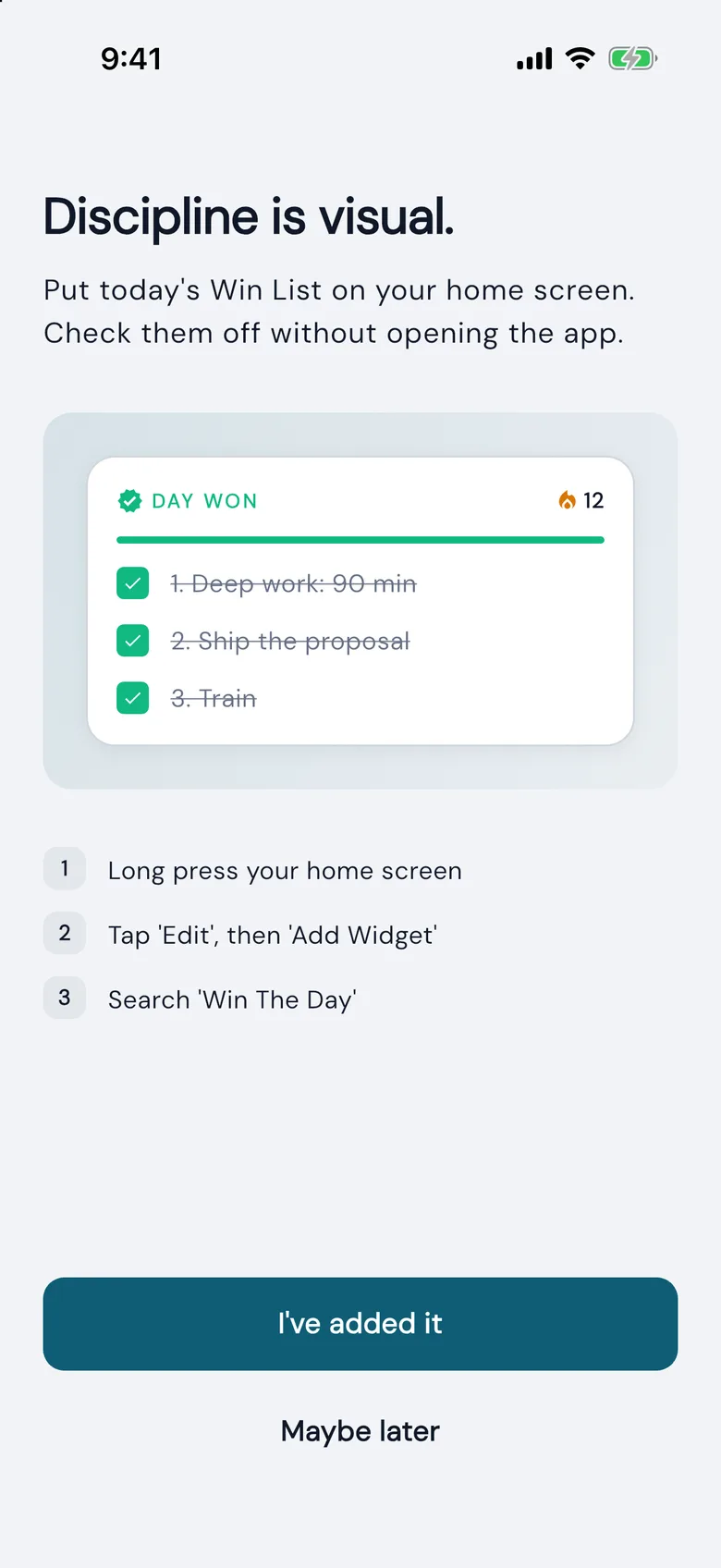
The widget shows the day's five and the streak without opening the app. A tick on the widget is saved straight away, then synced to the cloud in the background.
How we built it
Every release runs the same loop.
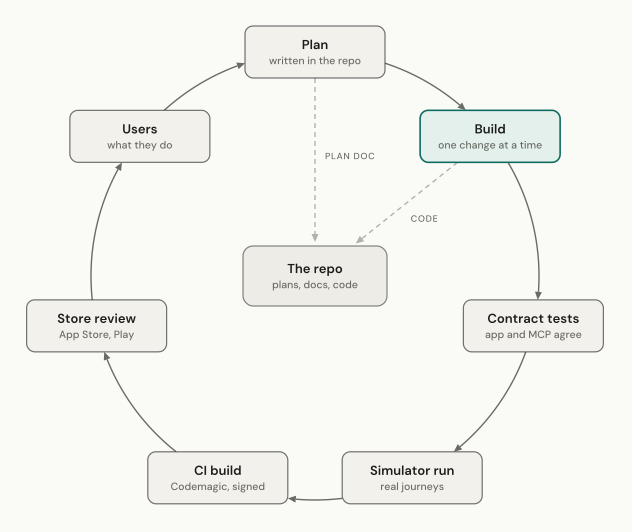
- The plan lives in the repo
- Each change starts as a written plan beside the code.
- It tests like a person
- Each release runs through real journeys in the iOS simulator, such as sign-up and winning a day. The checks read the database, email and analytics directly, not the screens.
- A signed build for the store
- Codemagic builds and signs the iOS app on its own machine and sends it to TestFlight for the store.
Launch
The app is listed on the App Store and Google Play as Win the Day: Daily Discipline. In July, Apple rejected two submissions in a row. We traced the cause through the RevenueCat API and a simulator run. Subscriptions that Apple had not yet approved were hidden from the paywall, so the build looked as if it had none. Sending the build and the subscriptions together fixed it.
The website at wintheday.valetech.ca carries the method, the pricing and the sign-up for the web app.
Want this for your team?
We build apps, AI systems and the courses that teach your staff to use them. Describe the problem in a few lines. We reply with what we would need to know to scope it.